
How do we keep website details up to date without a big project?
Opening hours, service areas, phone numbers and who is on the team change more often than the rest of the site. Here's a simple ownership system so those details stay accurate without waiting for a redesign.
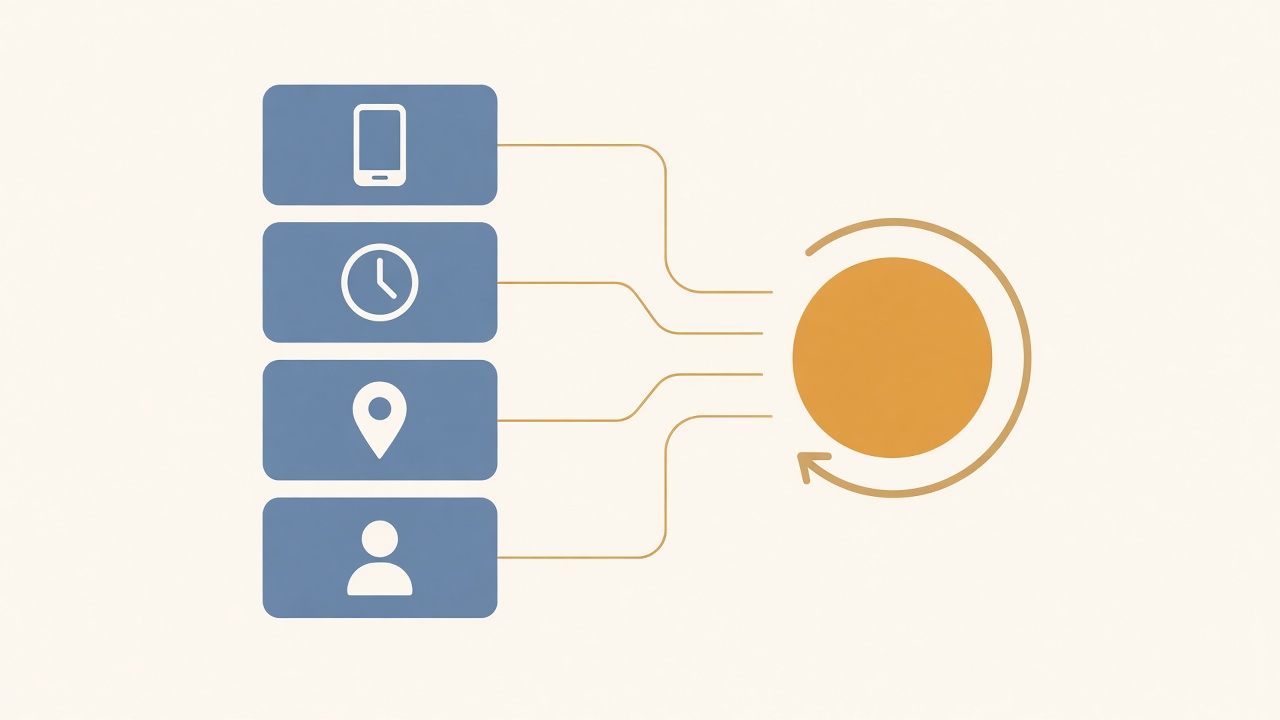
The owner of an established trade business in Somerset asks: "We've changed our phone number, dropped one service and hired two new people, but the website still shows the old details. We don't want another big website project. How do we keep this kind of information up to date without making it a drama every time?"
It's a fair question. Most websites don't go stale because the design ages. They go stale because small facts change and nobody is clearly responsible for updating them. Customers notice. So does Google, especially when your hours or service areas no longer match what you say elsewhere.
The fix is usually not a rebuild. It is a short list of changeable details, a named owner and a light habit of checking them.
Start with the details that actually change
Not every page needs constant attention. Focus on the facts that move with the business:
- Contact details — phone, email, address, WhatsApp or other contact routes.
- Opening hours and response times — including seasonal or holiday hours.
- Services and what you no longer offer — names, short descriptions and anything you have stopped doing.
- Areas you cover — towns, counties or travel limits.
- People — who is on the team, roles and photos if you show them.
- Trust cues that date — accreditations, insurance wording, "serving X since" and similar lines.
Those six cover most of the quiet mismatch between how the business works today and what the website still claims.
Who owns each update?
A website that "everyone can edit" often means nobody does. Decide three things once:
- Who notices when something changes in the business (usually the owner or office lead).
- Who updates the website (one named person, with a backup).
- Where the change is logged so you can see what was updated and when.
If the person who updates the site is not the person who knows about the change, you need a simple handoff: a short note, a shared checklist or a recurring agenda item. Without that, good intentions sit in someone's head until a customer points out the mistake.
A 20-minute monthly pass
You do not need a content calendar. Once a month, run through this list against the live site:
- Phone number and email on the contact page, header and footer match what you actually answer.
- Hours and any "we reply by..." wording still match how the team works.
- Services list still matches what you sell; remove or reword anything you no longer offer.
- Area or coverage wording still matches where you take work.
- Team names, roles and photos are current if you show people.
- Any accreditation, membership or insurance line is still true.
- The same facts match your Google Business Profile and any printed materials you still use.
That pass sits neatly beside a regular website check. The monthly check catches broken forms and missing pages; this pass catches facts that have drifted.
Where those details should live on the site
Put changeable facts in as few places as possible. If the phone number appears in the header, footer, contact page and three service pages, one update becomes six. Prefer:
- one clear contact page as the home for phone, email, hours and address;
- a short services list that links to fuller pages rather than repeating the same paragraph everywhere;
- a footer that holds only stable essentials, so you are not chasing the same number across every template.
When a service or area does need its own page, keep the unique detail on that page and avoid copying hours and phone numbers into every service write-up. That is also why separate pages for services and areas work better when the shared facts stay in one place.
When a light update is enough, and when it isn't
For most established businesses, the approach above is enough: a named owner, a short list of changeable facts and a monthly pass. An afternoon of tidying plus a habit of small edits beats waiting for a full redesign every few years.
Look beyond a light update when:
- the offer itself has changed (new markets, higher-value work, different customers);
- the site structure no longer matches how you sell;
- several people need to edit regularly and the current setup is too awkward or risky; or
- you are about to change designer or hosting and need a clear record of what is current before anything moves.
In those cases, fixing a phone number will not solve the real problem. You may need clearer page structure, better editing access or a planned refresh. Until then, keeping the facts accurate still protects trust and stops good enquiries going to the wrong number or the wrong expectation.
A worked example (hypothetical)
This is a hypothetical example to illustrate the approach. It isn't based on a real business or client.
Imagine a heating and plumbing firm near Taunton. The website still lists an old mobile, says they cover "Somerset and Devon" when they now stay within 40 minutes of base, and shows a team member who left last year. Enquiries still arrive, but some callers get a dead number and others ask for work the firm no longer takes.
They spend one afternoon on it. The office manager is named as website update owner, with the director as backup. Phone, hours and coverage are corrected on the contact page, header and footer. The departed team member is removed. "Boiler installations only within 40 minutes of Taunton" replaces the vague two-county line. They add a 15-minute item to the first Monday of each month: check the six changeable details against reality. No redesign, no new platform — just accurate facts and a clear owner.
Your next step
Westward Digital builds websites and connected lead systems for established businesses across Somerset, Devon, Dorset, Bristol and Bath & North East Somerset, and business websites start from £4,500. If you'd like a straight view on whether your site just needs a clearer update habit or a wider tidy-up, get in touch for a no-pressure conversation.
Working through something similar?
We can help you work out what to address first.